






You save things all day.
Shoes you want. A trip. A recipe.






How it works
Save it from anywhere.
Links, Reels, screenshots and notes land in one place.
Find it with one word.
Search reads the words inside your screenshots too.
It sorts itself.
Smart folders gather what belongs together.
It comes back on time.
Put a reminder on anything you save.
Share it with your people.
Invite someone into a folder and fill it together.
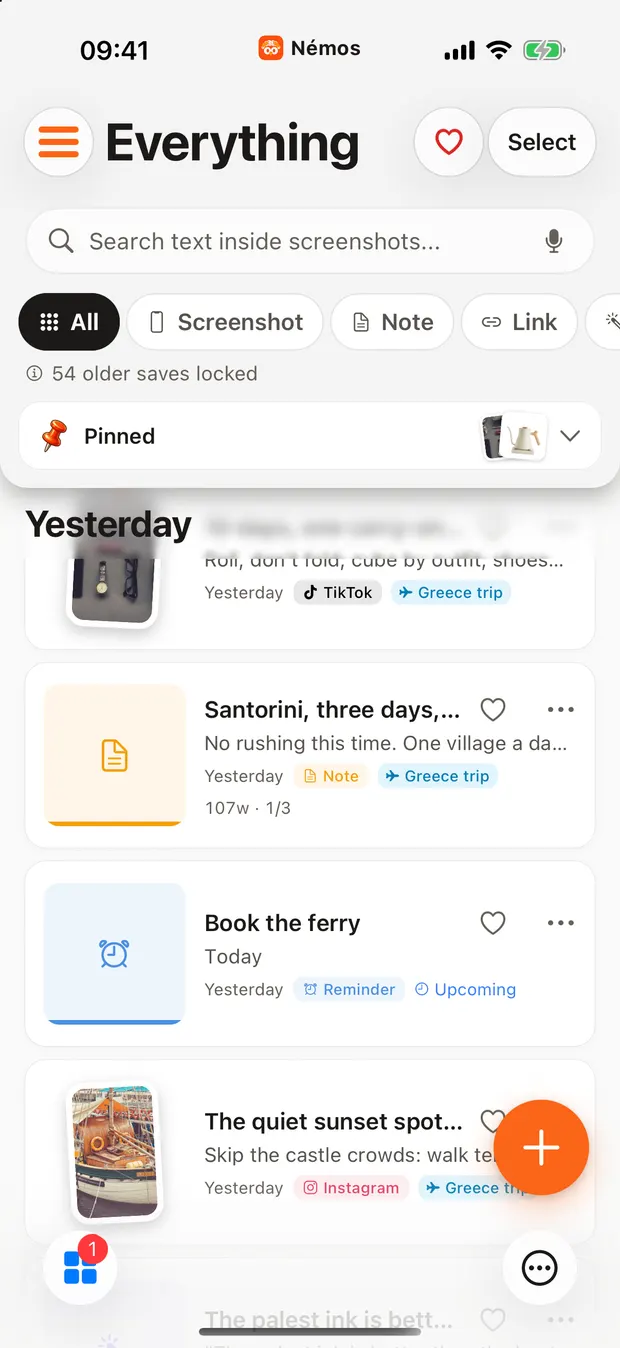
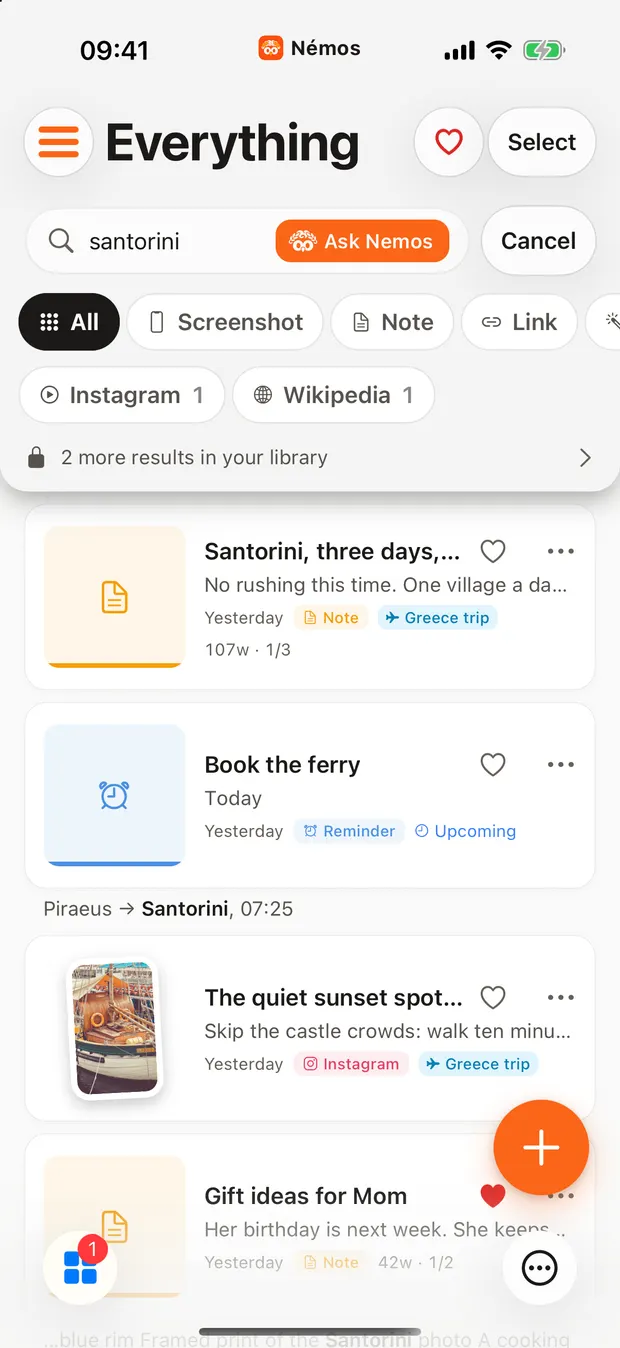
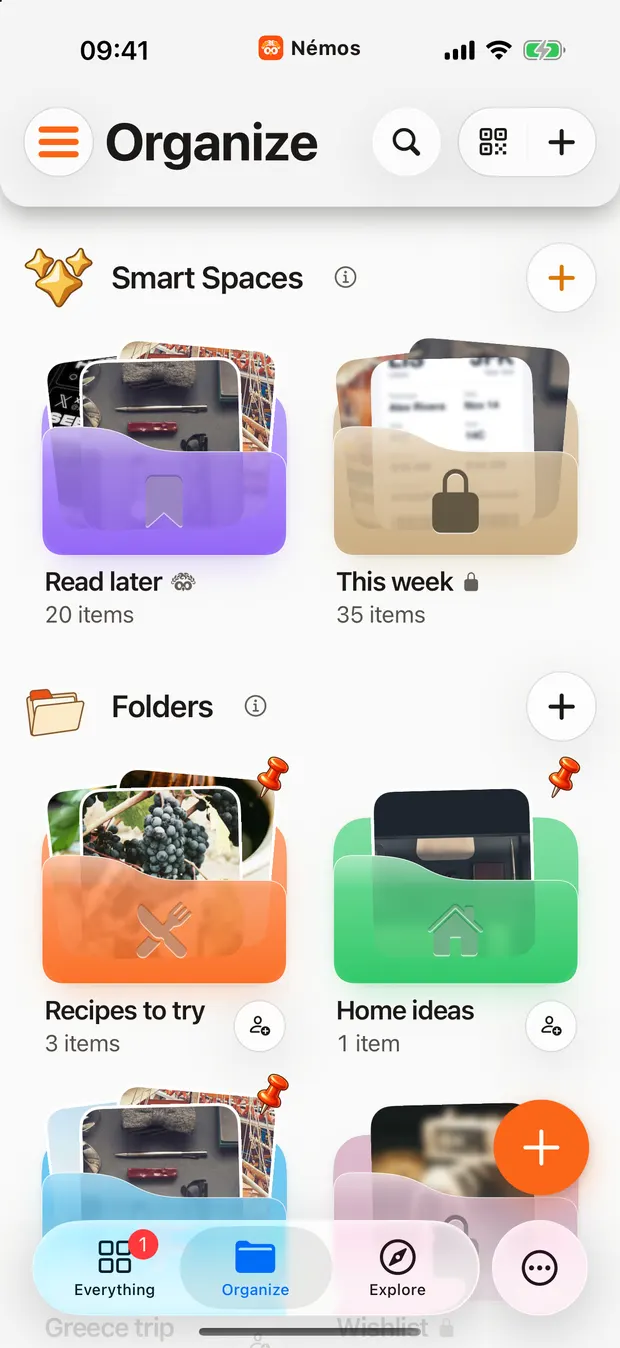
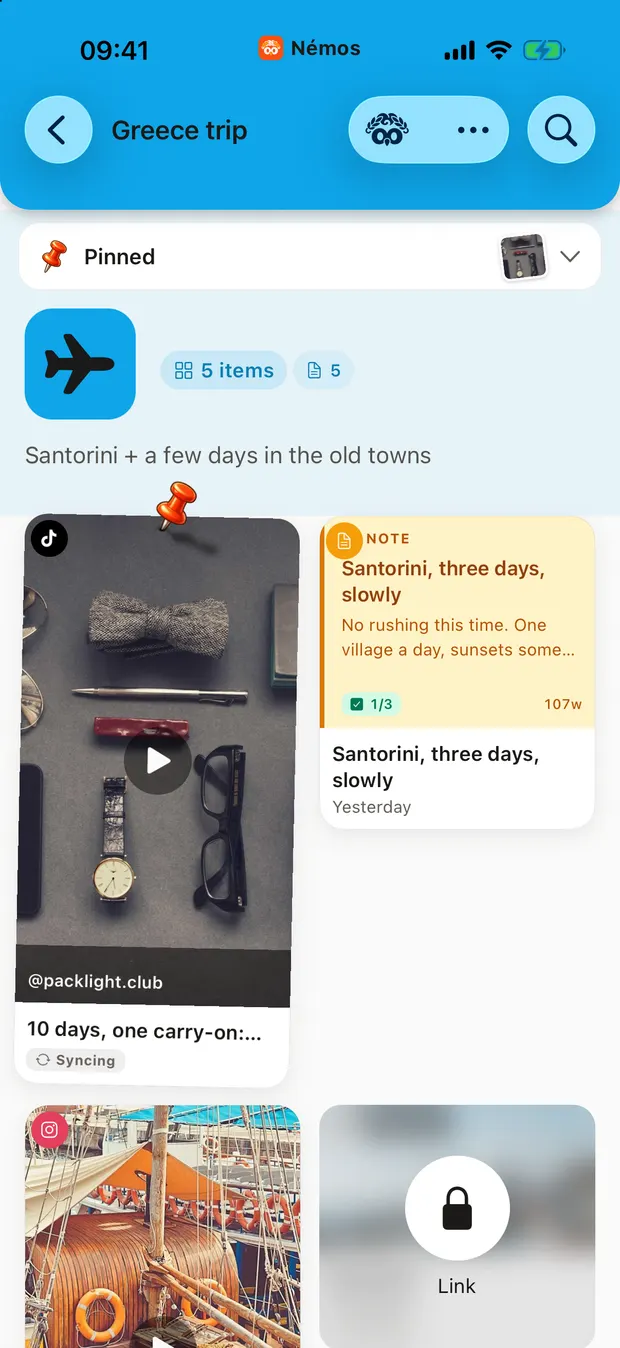
Everything you saved is still here. One word brings it back.
Links, videos, photos.
All in one place.
Watch this.

Save places. Find them again.
Every spot you love, on one map.



Lost something?
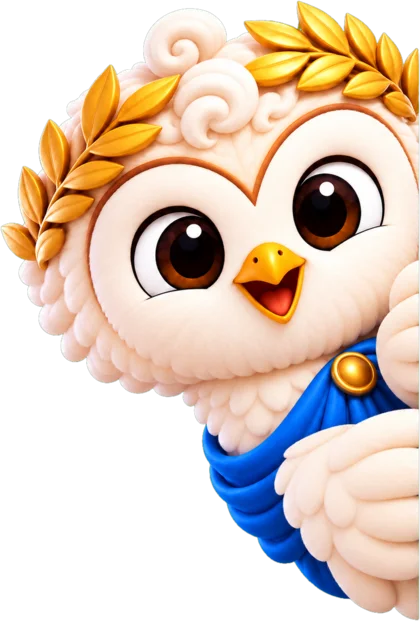
Just ask the owl.
Mimo is free. Luna and Rosie are Pro.
See it. Share it.


 Article link
 Saved place
 Screenshot
 Voice memoPDF document
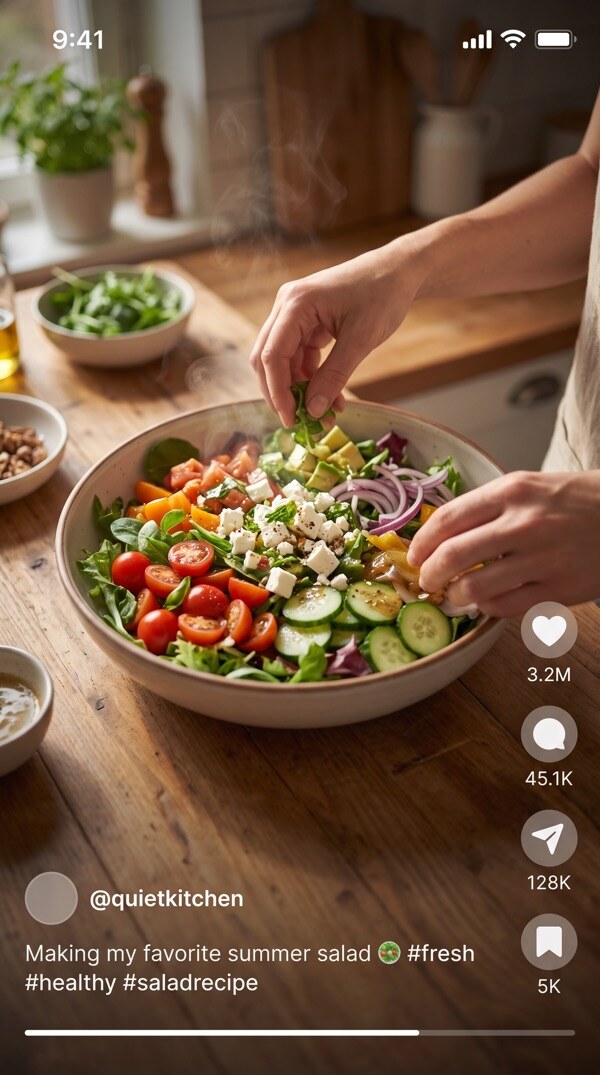
 Summer salad, ready in 10 minutesinstagram.comOptions ›
 Notes
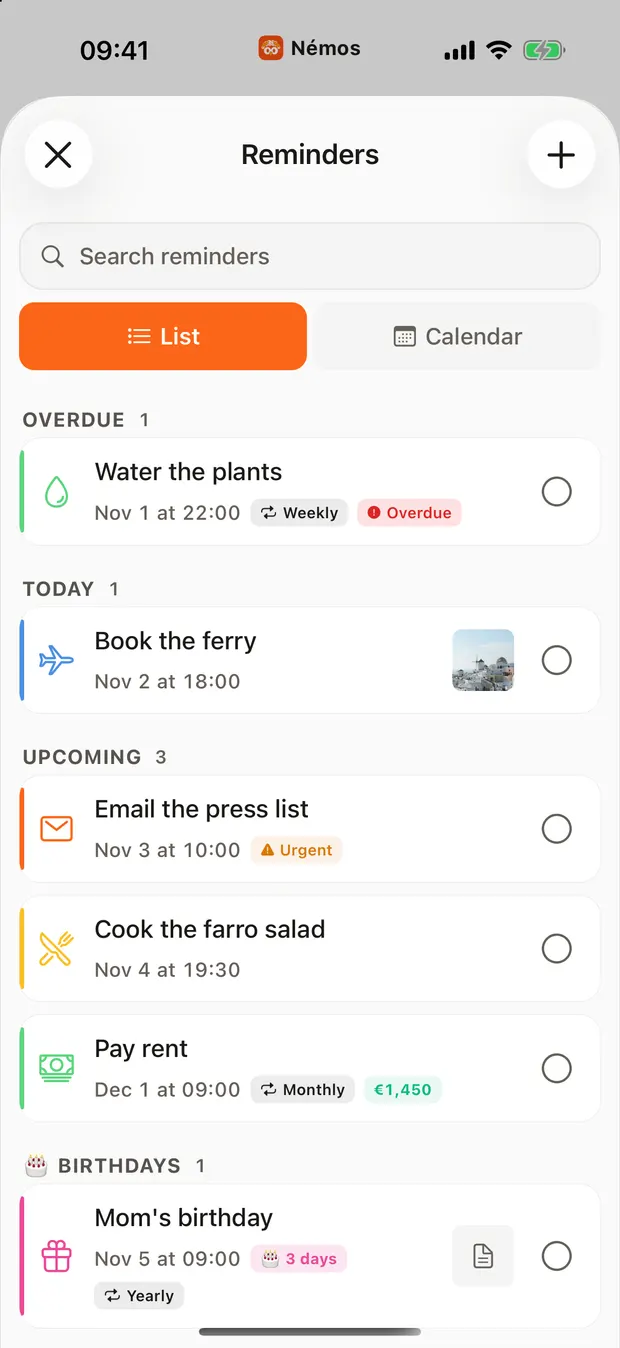
 Reminders
 Némos•••MoreCopyAdd to BookmarksAdd to Reading ListView MoreSave to Némos×Summer salad, ready in 10 minutesReelSave to folders🍴Recipes to try✓✈️Greece trip♥WishlistSave
MimoFound your salad Reel. Lunch time!
A pretend save, just to show you.

Everything has its place.
Folders and smart spaces keep it neat.








Tap a label. Watch it move.
Need a nudge? Nemos reminds you.
Set a reminder.
Nemos taps you.
On your Lock Screen and Apple Watch.
- Any save
- Lock Screen
- Apple Watch
- Snooze it
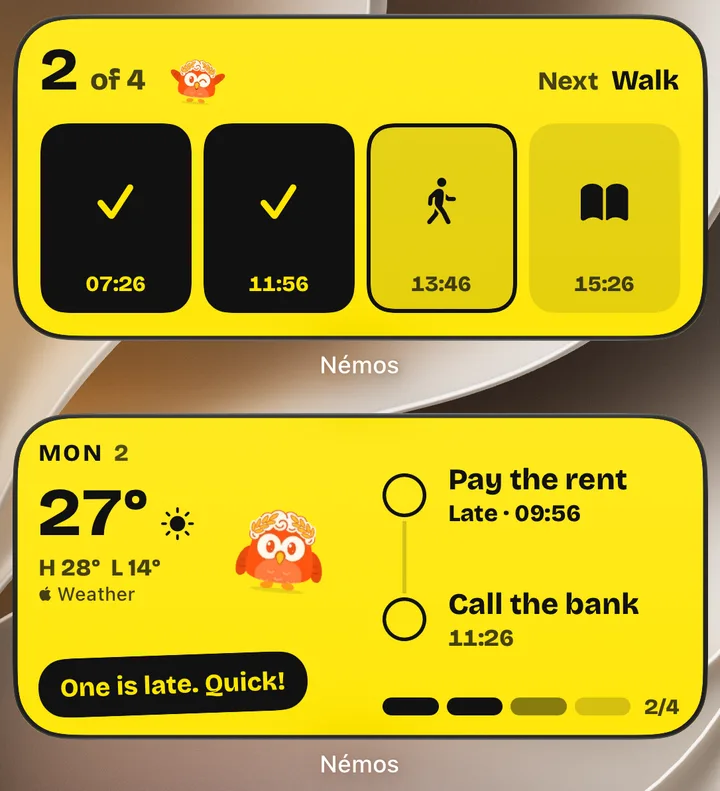
On your Home Screen
Your day at a glance. Check the time, the weather and what is next, and see your owl cheer when you finish.
Nemos on iPhone, iPad, iPhone Duo, Mac and Apple Watch
Save it on iPhone.
From any app, in two taps.
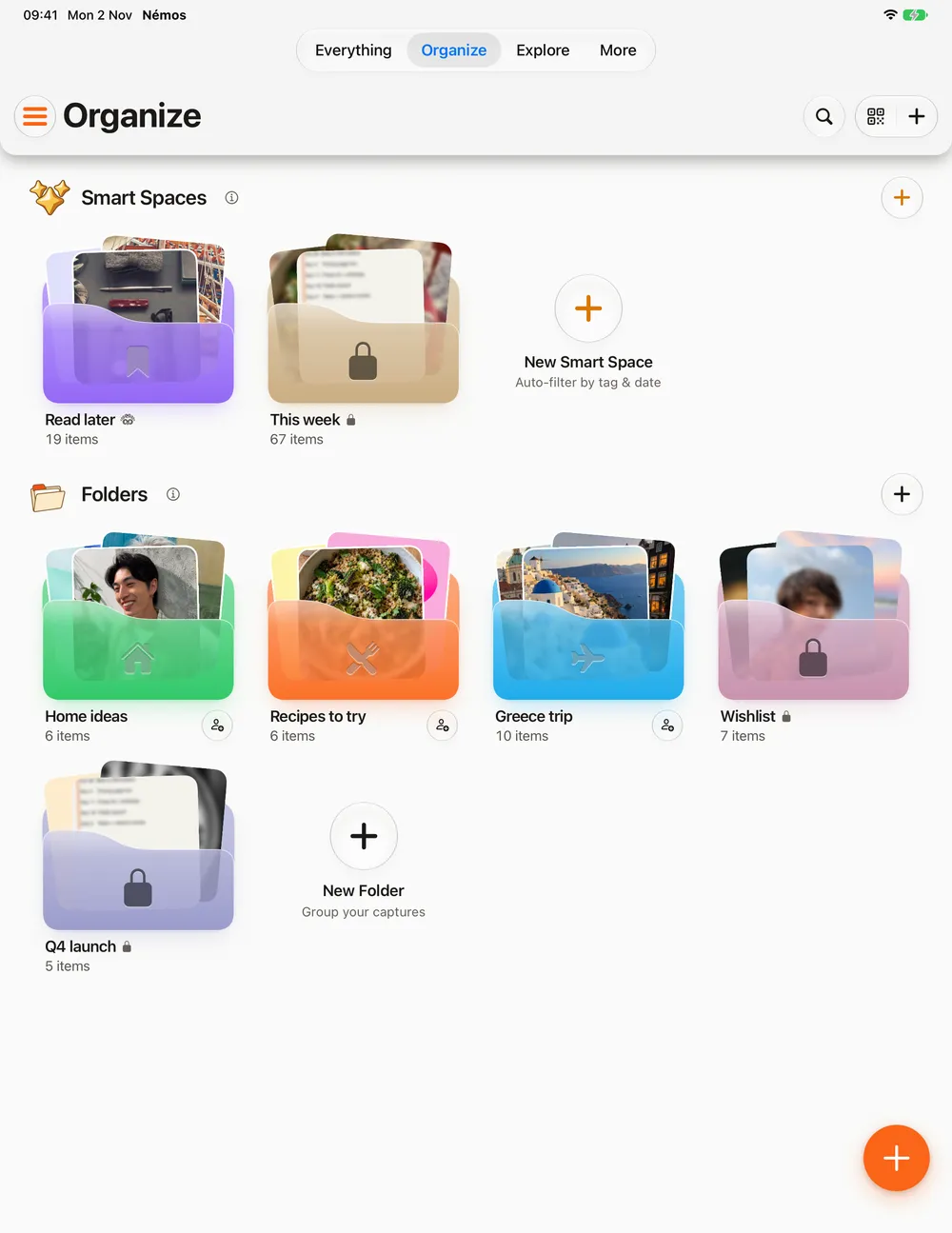
Find it on iPad.
The same library, on a bigger screen.
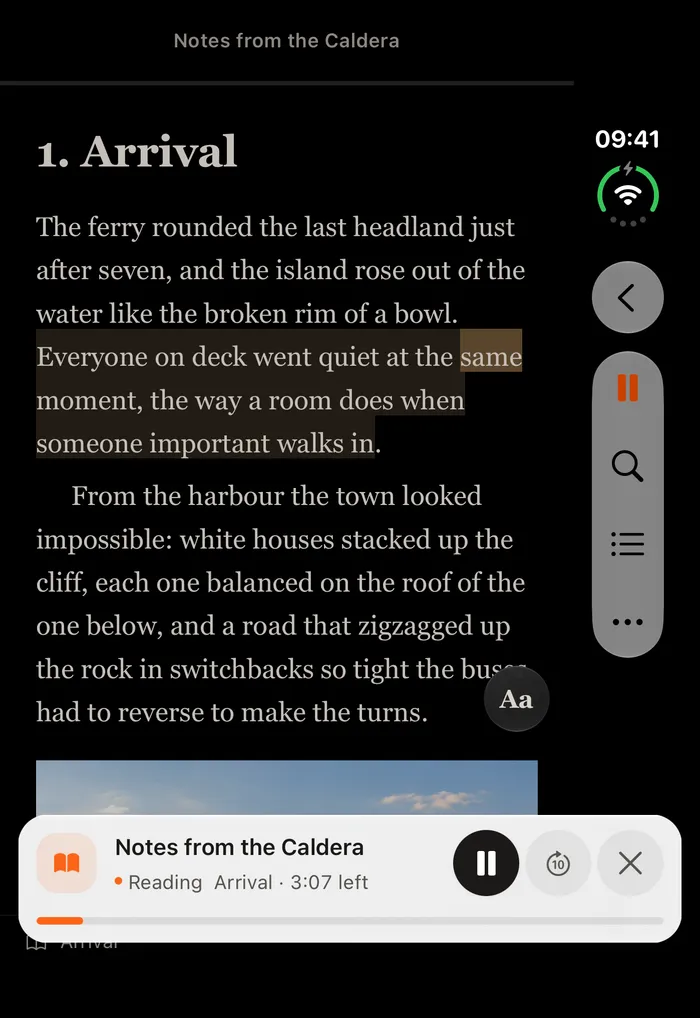
Read it on iPhone Duo.
Books, or have them read to you.
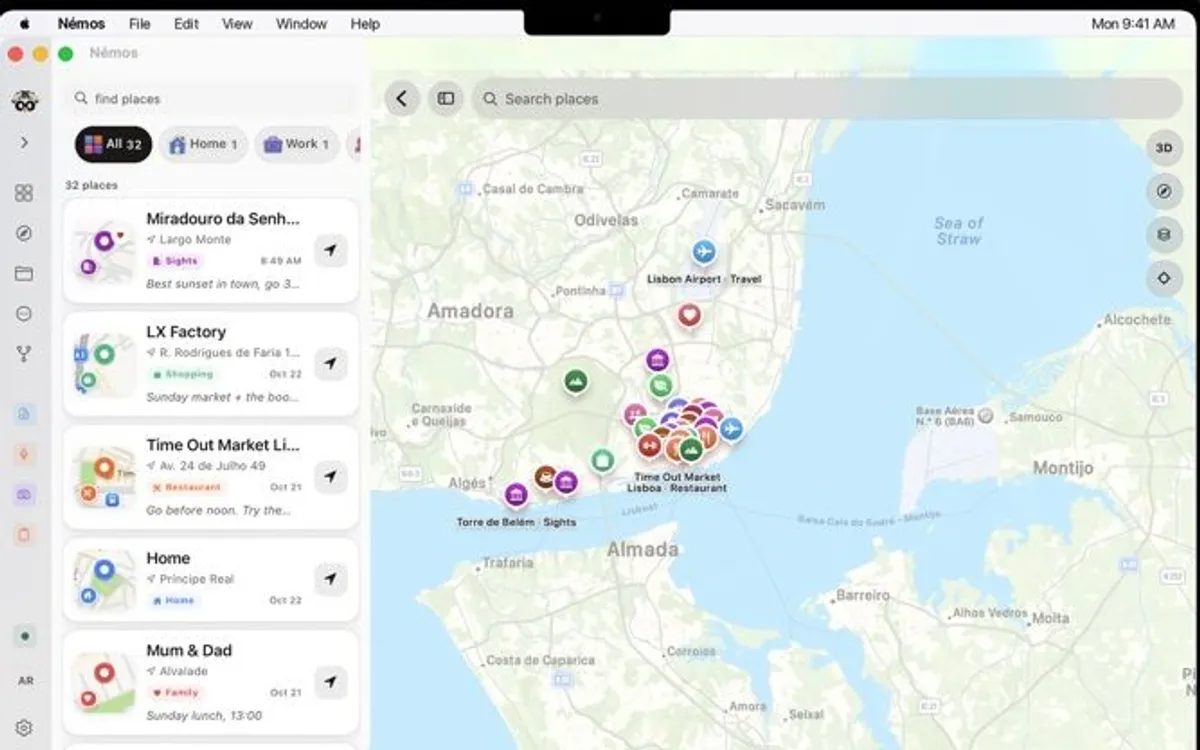
Open it on Mac.
Everything you saved, right where you work.
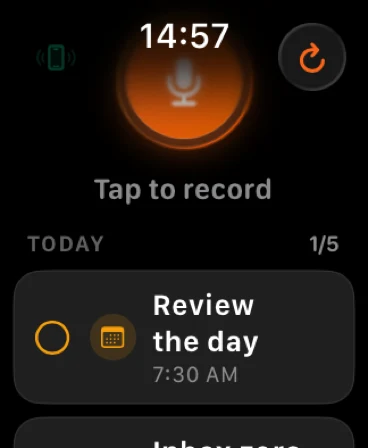
Feel it on your wrist.
Reminders reach you on Apple Watch.
One library. Every device.
Kept in your own iCloud.

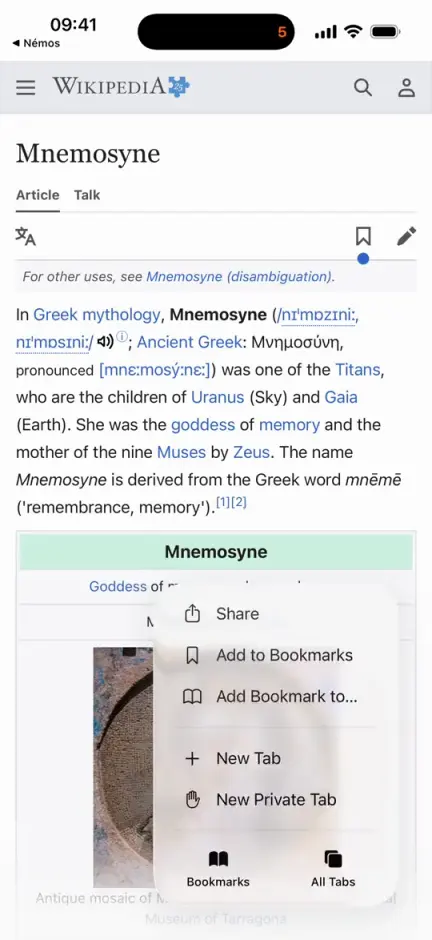
Save from your computer, too.
Add Nemos to your browser. Then find it all on your iPhone.
- One click.Or press Cmd+Shift+S on a Mac, Ctrl+Shift+S on a PC.
- The whole article.Nemos keeps the text, so it stays readable offline.
- In the right folder.Pick a folder. Add tags and a note if you like.
 Add to Chrome
 Add to Firefox
 Add to Safari
Also works in Edge, Brave, Opera and Arc, through the Chrome store.
Our promises to you.
 You won't lose it.It stays until you delete it.
 It stays yours.In your iCloud, not our servers.
 You'll find it fast.One word is enough.
 Free to start.Mimo the owl is free too.
From our YouTube.
Short videos on saving things and finding them again.
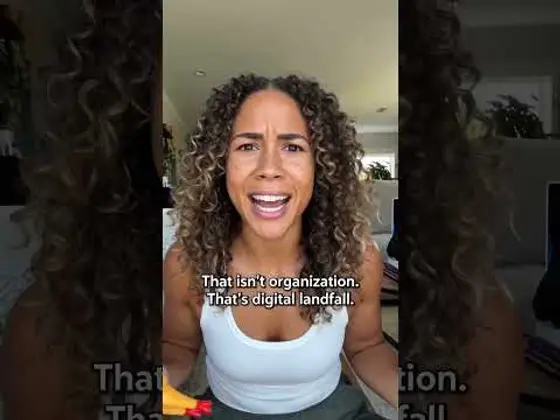
What is Nemos?
Nemos is an iPhone and iPad app that keeps the links, Reels, screenshots, notes, voice memos and files you save in one private library. One search finds any of it, even the words inside a screenshot.
- What is the best iPhone app to save Reels and find them later?
- What app can search the text inside my screenshots?
- What is better than Pocket if I also save Reels?
- What is one app for notes, links and reminders?
- I have ADHD and never find what I save. What works?
- What is a private bookmark app that uses my own iCloud?
From the App Store
What people are saying

Hoo! Ask me what you are looking for.
What are you trying to find?

Free on iPhone, iPad and Apple Watch.
Your saves are yours.
Kept on your device and in your iCloud. You choose what uses the cloud.
How we keep it privateFree and Pro: what each one costs
Try Pro
Seven days free, on the yearly plan
Nemos is free to download and free to keep using. Pro adds unlimited saves, unlimited smart folders, longer transcription and the full assistant — and the yearly plan starts with a week at no charge.
Weekly
$4.99 / week
No free trial on this plan.
Monthly
$12.99 / month
No free trial on this plan.
Yearly
$79.99 / year
7 days free, then billed yearly. Works out 49% cheaper than paying monthly.
Free for 7 days, then $79.99 a year. It renews automatically until you cancel, and you can cancel any time in your Apple account settings.
Prices are US App Store, checked September 2026. Your local price and currency are shown in the app before you confirm anything.
Questions people ask
FAQ
Questions, answered.
What is Nemos?
Nemos is a super intelligence (SI) app for iPhone, iPad and Apple Watch that saves, finds and organizes everything you keep: links, screenshots, notes, voice notes, files, tasks and routines. One search finds it again, even text inside a screenshot or a phrase from a recording. Its private artificial intelligence (AI) runs on your device by default.
Is Nemos private? Does it upload my data to the cloud?
Yes, and here is exactly where your data goes. Your library lives in your own iCloud account, not on Nemos servers, and syncs only between your own Apple devices. Screenshot text is read on your iPhone, and AI runs on your device by default. Two things can use the cloud: the assistant, only if you turn a cloud model on, and recordings you make with the record button, which are transcribed by Speechmatics for accuracy unless you turn on “Transcribe on this device” in Settings. No ads, no data sales.
How much does Nemos cost?
Nemos is free with unlimited saves across all 15+ content types, no notebook limits and no ads. Search finds everything. Your newest 50 saves open free, and the rest stay safe and locked: nothing is ever deleted, and Pro opens them all. Pro is $12.99/month, with weekly and yearly plans too (the yearly plan starts with a 7 days free trial), and also adds unlimited recording, unlimited active reminders, smart folders, more cloud transcription and the full assistant. The free tier stays free.
Can Nemos organize iPhone screenshots automatically?
Yes — screenshot organization is what Nemos does best. Every screenshot you save gets read by on-device OCR, named by AI, filed into the right Smart Space, and indexed for search in seconds. Type 'hotel booking' and every screenshot containing that text surfaces instantly.
Can I chat with my saved notes using AI?
Yes. Ask natural-language questions about your saved content — Nemos answers using only your own notes, screenshots, voice memos and PDFs, and shows the note, screenshot or link each answer came from. The assistant runs on your device by default and uses a cloud model only if you turn one on.
How is Nemos different from Apple Notes?
Apple Notes is a text-first note app. Nemos is an auto-organizing second brain for 15+ content types with on-device OCR, voice transcription, AI chat-with-notes, Smart Spaces, and shareable folders. They work together — Nemos syncs with Apple Notes, Reminders, and Calendar.
What iPhones does Nemos work on?
Any iPhone or iPad on iOS 17 or later, and Apple Watch on watchOS 11 or later. Features built on Apple Intelligence need iOS 26 on an Apple Intelligence iPhone (iPhone 15 Pro and later) or an M-series iPad.
Is Nemos on the App Store?
Yes. Nemos launched on the App Store in September 2026 and is free to download for iPhone and iPad on iOS 17 or later. Pro is an optional subscription for advanced AI features.
More questions? Read the full FAQ
More to read: guides, side-by-side looks and browser add-ons